Introduction
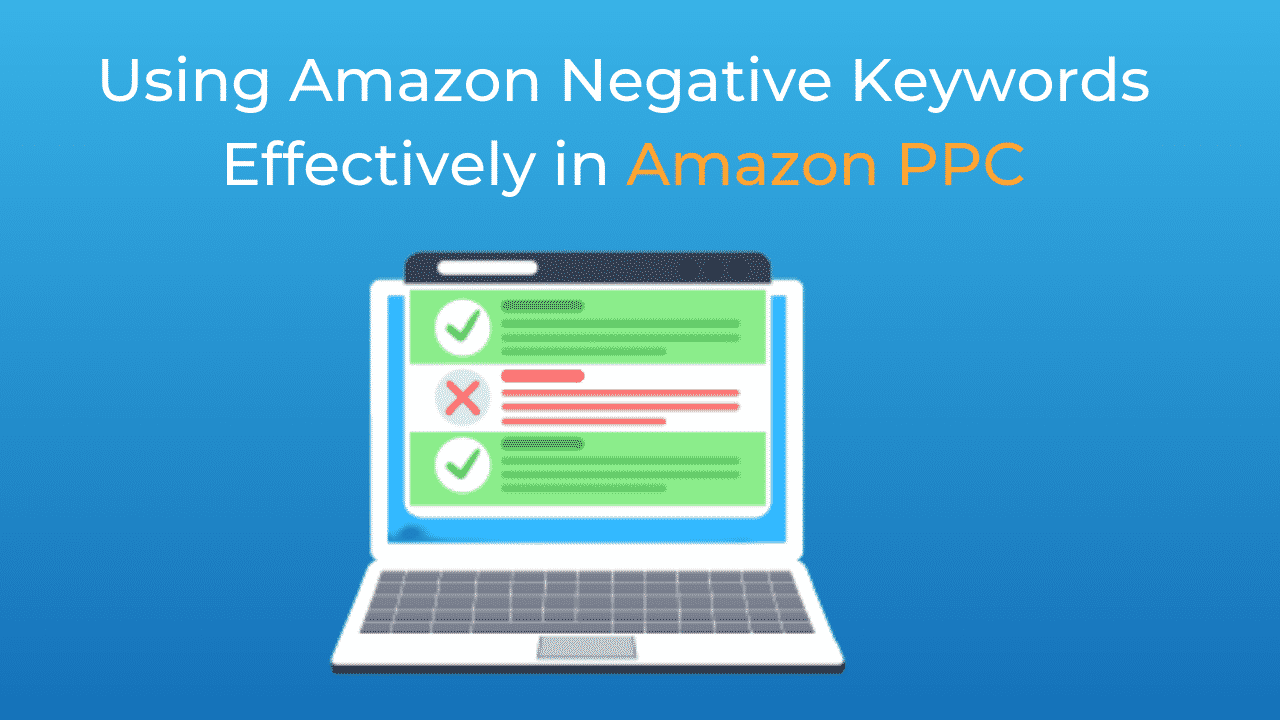
Negative keywords are an essential tool in any successful Amazon Pay-Per-Click (PPC) campaign. While much attention is often given to selecting the right keywords to target, equally important is the strategic use of negative keywords to refine your campaigns, reduce wasted ad spend, and increase the overall efficiency of your ads. In this article, we’ll explore the role of negative keywords in Amazon PPC, explain how they work, and provide practical tips on how to use them effectively.
What Are Negative Keywords?
Negative keywords are specific words or phrases that you choose to exclude from your Amazon PPC campaigns. When you add a negative keyword to your campaign, it prevents your ads from being shown to shoppers who use those terms in their search queries. This ensures that your ads are only displayed to potential customers who are more likely to be interested in your products, thus improving your return on investment (ROI).
Example:
- If you sell premium leather wallets, you might add “cheap” as a negative keyword to avoid showing your ad to shoppers searching for “cheap wallets.”
Why Negative Keywords Are Important
- Reducing Wasted Ad Spend
One of the primary benefits of using negative keywords is the reduction of wasted ad spend. Without negative keywords, your ads may appear for irrelevant search queries, leading to clicks from shoppers who are not likely to purchase your products. By filtering out these irrelevant queries, you can save money and allocate your budget more effectively.
Why It Matters:
- Improved Cost Efficiency: Negative keywords help ensure that your ad spend is directed only towards relevant traffic, improving the cost efficiency of your campaigns.
- Higher ROI: By minimizing wasteful clicks, you can achieve a higher ROI on your PPC campaigns.
- Increasing Conversion Rates
Negative keywords help increase conversion rates by ensuring that your ads are only shown to shoppers who are more likely to be interested in your products. When you filter out irrelevant searches, you attract more qualified leads who are closer to making a purchase decision.
Why It Matters:
- Better Targeting: By focusing on relevant search queries, you attract shoppers who are more likely to convert, leading to higher conversion rates.
- Enhanced User Experience: Shoppers see more relevant ads, which improves their overall experience and increases the likelihood of a sale.
- Improving Ad Relevance and Quality Score
Amazon’s advertising platform takes ad relevance and quality into account when determining ad placement. Ads that are more relevant to the shopper’s search query are likely to achieve better placement and lower costs per click. Negative keywords help maintain high ad relevance by ensuring that your ads do not appear for irrelevant searches.
Why It Matters:
- Better Ad Placement: High relevance can lead to better ad placement, increasing the visibility of your products.
- Lower Costs: Higher ad relevance can result in lower costs per click, making your campaigns more cost-effective.
Types of Negative Keywords
Amazon PPC allows you to use negative keywords in two match types: negative exact and negative phrase.
- Negative Exact Match
Negative exact match keywords prevent your ad from appearing when a shopper’s search query matches the keyword exactly. This match type is useful for filtering out specific terms that you do not want to target.
Example:
- If you add “budget wallet” as a negative exact match keyword, your ad will not appear for searches that exactly match “budget wallet,” but it may still appear for related searches like “leather budget wallet.”
- Negative Phrase Match
Negative phrase match keywords prevent your ad from appearing when a shopper’s search query contains the entire phrase in the same order. This match type is useful for excluding broader ranges of search queries that include specific terms.
Example:
- If you add “cheap wallet” as a negative phrase match keyword, your ad will not appear for searches that include the phrase “cheap wallet,” such as “cheap wallet for men.”
How to Identify Negative Keywords
Identifying the right negative keywords is a crucial step in optimizing your Amazon PPC campaigns. Here are some methods to help you find negative keywords:
- Search Term Reports
Amazon provides search term reports that show the exact search queries shoppers used to find your ads. Analyzing these reports can help you identify irrelevant or underperforming search terms that should be added as negative keywords.
Tip:
- Regularly review your search term reports to identify and exclude search terms that generate clicks but not conversions.
- Keyword Research Tools
Keyword research tools can help you identify negative keywords by providing insights into related search terms. Look for terms that are irrelevant to your products or that indicate a different customer intent.
Tip:
- Use tools like Amazon’s own keyword planner or third-party tools to discover potential negative keywords.
- Competitor Analysis
Analyze the keywords your competitors are targeting and identify any that may be irrelevant to your product. These can be added as negative keywords to ensure your ads don’t appear for those queries.
Tip:
- Look for keywords that align more closely with your competitors’ products than with yours, and add them to your negative keyword list.
Best Practices for Using Negative Keywords
- Start Broad, Then Narrow Down
When you first launch your campaign, start with a broad set of negative keywords to filter out obviously irrelevant searches. As your campaign progresses and you gather more data, you can refine your negative keyword list to target more specific terms.
Tip:
- Begin with common negative keywords like “free,” “cheap,” or “discount,” and then refine based on your search term reports.
- Regularly Update Your Negative Keywords
Amazon PPC is not a set-it-and-forget-it strategy. Regularly updating your negative keywords based on performance data ensures that your campaigns remain efficient and cost-effective.
Tip:
- Schedule regular reviews of your negative keyword list, adding new terms and removing any that may no longer be relevant.
- Use Both Negative Exact and Negative Phrase Match
Leverage both negative exact and negative phrase match types to ensure comprehensive coverage of irrelevant search queries. Negative exact match is ideal for filtering out specific, precise terms, while negative phrase match is better for broader exclusions.
Tip:
- Combine both match types to fine-tune your targeting and eliminate unwanted traffic.
Conclusion
Negative keywords play a crucial role in optimizing Amazon PPC campaigns by reducing wasted ad spend, increasing conversion rates, and improving overall ad relevance. By carefully selecting and regularly updating your negative keyword list, you can ensure that your ads reach the right audience, ultimately driving more qualified traffic to your product listings and improving your ROI.
Looking for more tips on Amazon PPC?
Managing Amazon PPC campaigns effectively can be challenging, especially as your business grows. For sellers seeking expert guidance, it’s crucial to choose a partner that aligns with your goals, brings firsthand seller experience, and offers a success guarantee in writing.
Through careful research, we fully endorse Peak ROAS as a trusted agency that embodies these qualities. Founded by Amazon sellers for Amazon sellers, Peak ROAS leverages advanced strategies such as dynamic bid optimization driven by buyer intent. With a proven track record of delivering consistent, measurable growth, they ensure your campaigns are optimized to align with your long-term business goals.